
Why Managing Compliance in Excel is Risky for Startups
Recommended
Recommended
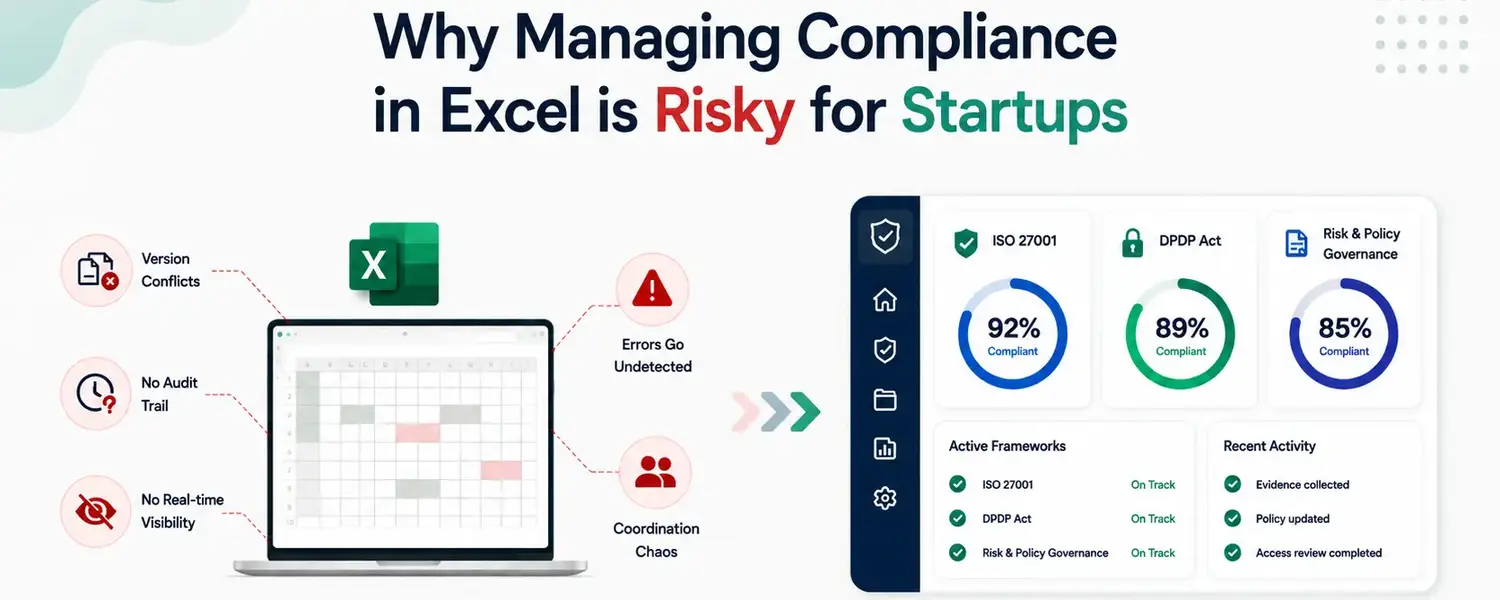
The decision to manage compliance in Excel is almost never a deliberate strategic choice. It happens by default. Someone needs to track ISO 27001 controls or DPDP obligations, Excel is immediately available, and building a tracker takes an afternoon. For a startup in its early stages, that logic is entirely reasonable: the compliance workload is light, the team is small, and the cost of a dedicated tool is hard to justify against more immediate priorities.
The problem surfaces later, when the compliance workload has grown, the team has expanded, and the spreadsheet that started as a simple tracker has become something considerably more complicated and considerably less reliable.
The reasons are straightforward: Excel requires no procurement process, no implementation project, and no learning curve for a team that already uses it daily. For a compliance function that starts small — a handful of controls, a single framework, one person responsible — a well-designed spreadsheet can appear to meet the need adequately.
The familiarity factor matters too. Founders and early teams are comfortable in Excel in a way they are not comfortable in purpose-built compliance tools, many of which are designed for large enterprises and carry that complexity visibly.
In the very early stages, choosing Excel feels like pragmatism, and to be fair, it often is.
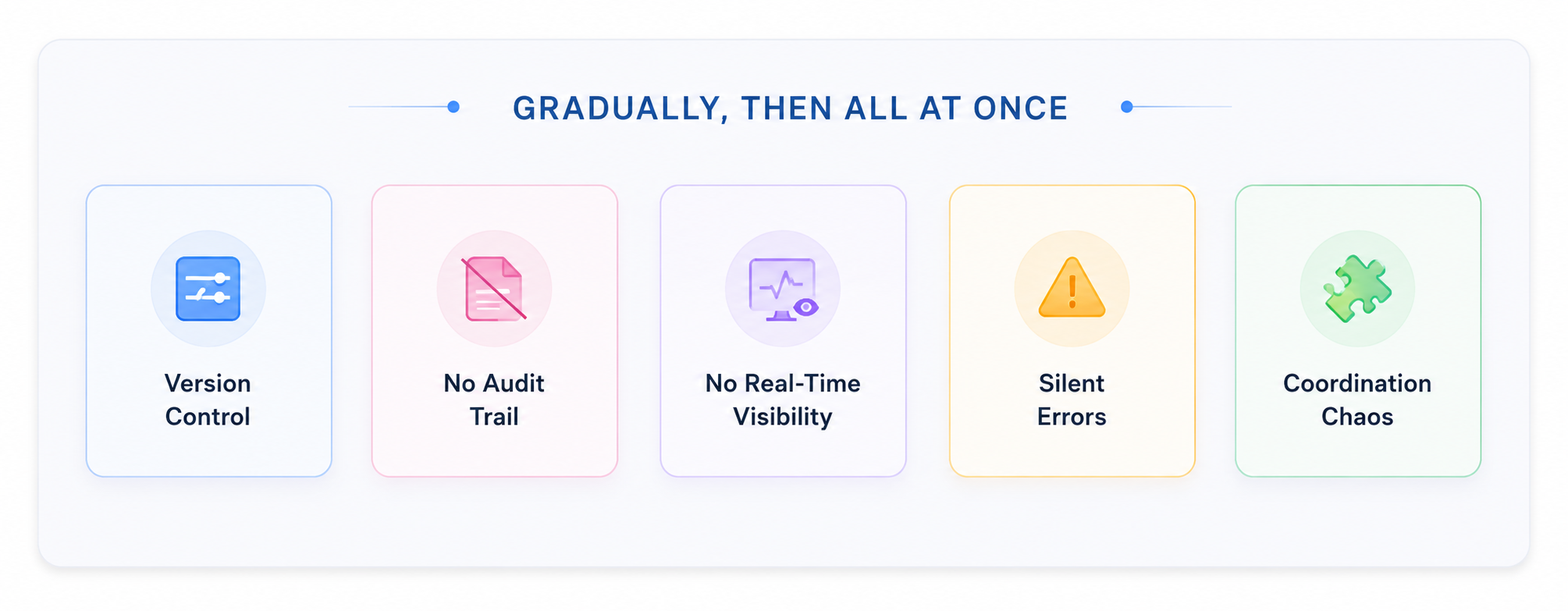
The transition from "Excel is fine for now" to "Excel is actively creating problems" happens gradually and then all at once.
A compliance tracker touched by multiple people across different departments develops version conflicts constantly. The audit lead has one version, the compliance manager has another, and a third was emailed around last week without being reconciled with either. When an auditor asks for the current state of a specific control, determining which version is authoritative becomes a significant piece of work in itself.
Excel has no native mechanism for recording who changed what, when, and why. A cell that reads "completed" could have been updated this morning or six months ago, and there is no way to tell. Auditors require evidence that controls have been operating effectively over time; a spreadsheet cell with no timestamp and no attribution provides none.
The compliance picture in a spreadsheet reflects what was entered at the last update. Controls that have lapsed, evidence that has stopped being collected, risks that have changed — none of these surface automatically. The only way to know the current posture is to manually review the entire tracker, which typically happens under audit pressure rather than proactively.
Manual data entry creates errors. Formulas break when rows are added or deleted. In a document representing the organisation's compliance posture, those errors are not cosmetic; they are misrepresentations of actual control status that surface as discrepancies during audits.
Compliance involves multiple departments: IT, HR, legal, finance, and product. Coordinating that work through a shared spreadsheet and email means tasks get missed, evidence arrives in the wrong format, and follow-ups happen through channels that never make it back into the central record.
These operational problems create compliance consequences that become visible at the worst possible moments.
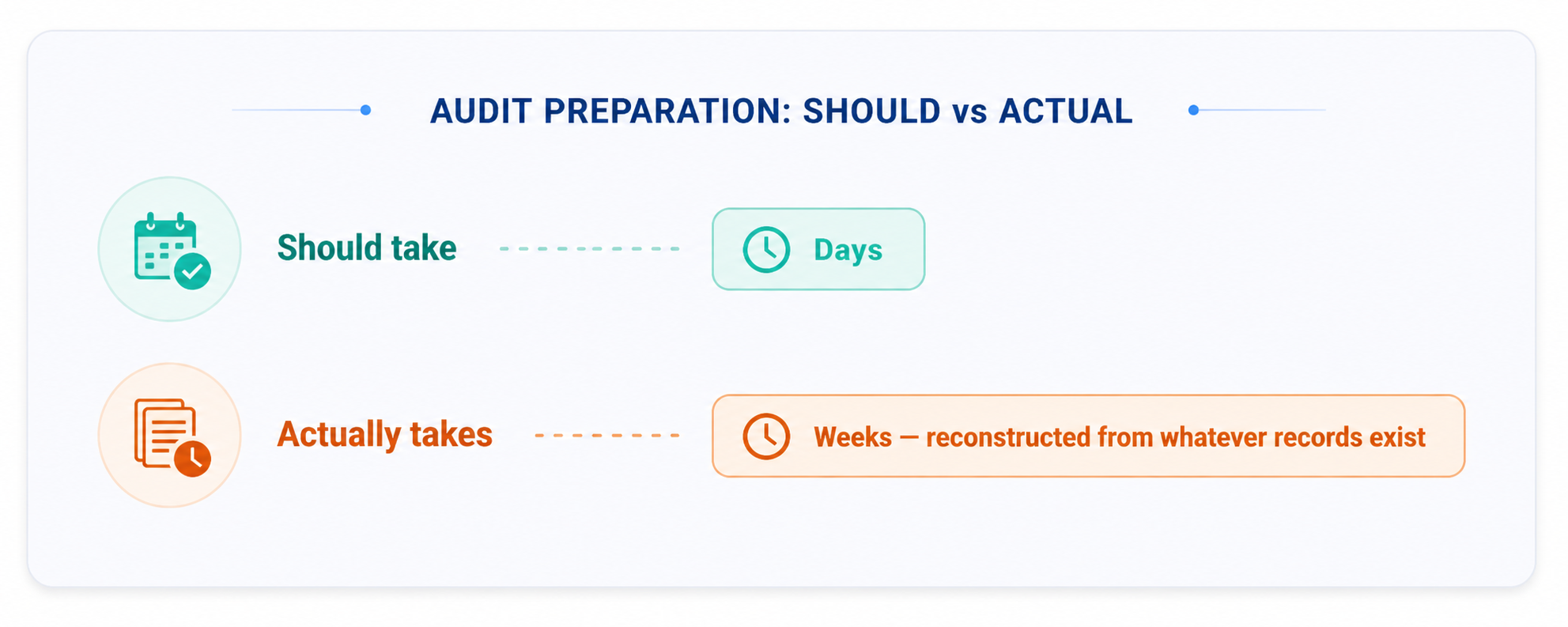
Audit preparation that should take days takes weeks, because documentation that should have been maintained continuously needs to be reconstructed from whatever records still exist. For startups going through ISO 27001 certification, the evidence collection requirements for a Type II audit cover six to twelve months. A manual process maintained inconsistently across that period will not produce what an auditor needs, regardless of how much effort goes into the final sprint.
Under the DPDP Act, the inability to produce audit-ready records of consent management, data processing activities, or data subject request handling carries regulatory risk that grows as enforcement matures. A spreadsheet tracking some of these activities some of the time is not a compliance programme.
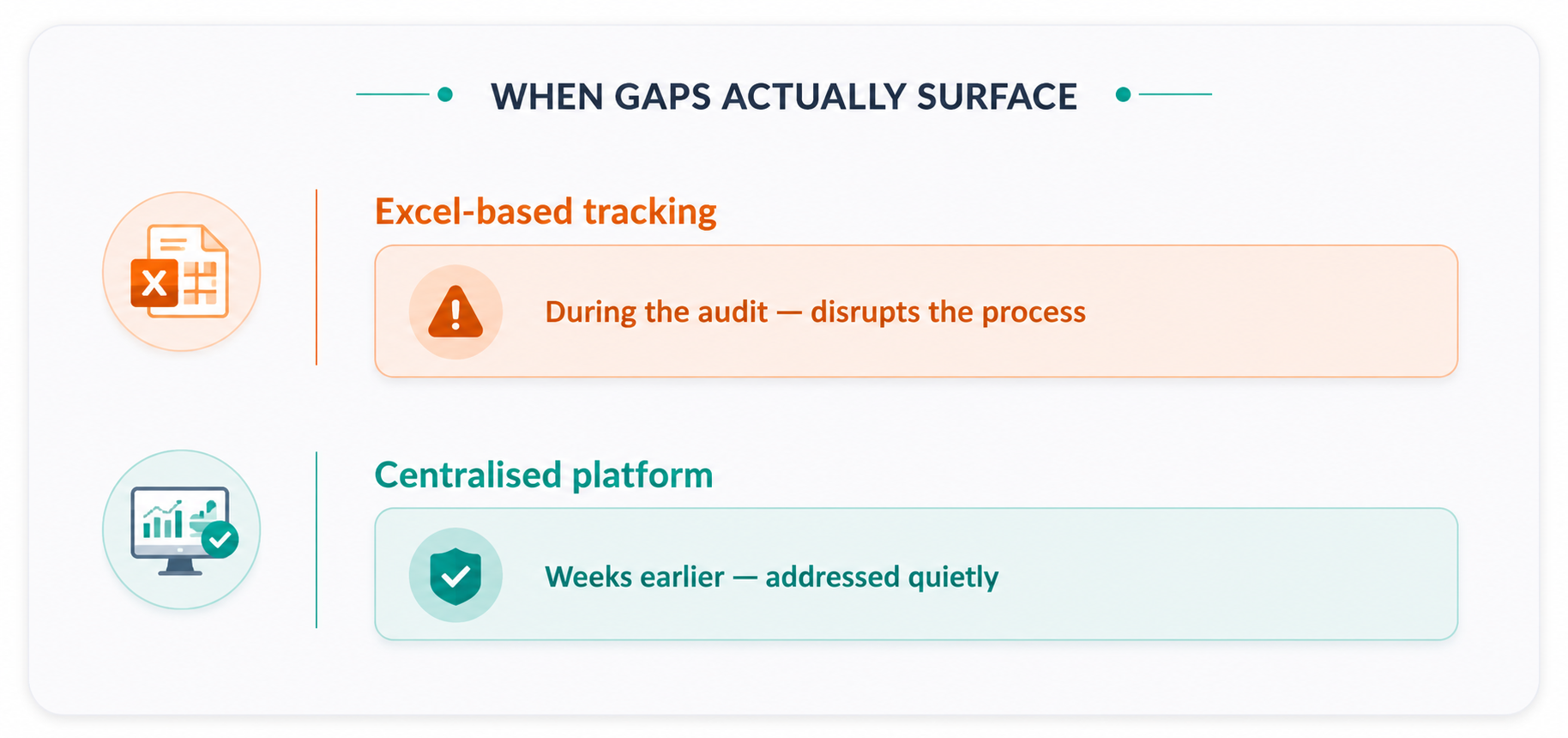
Moving compliance management to a centralised platform changes the operational reality in ways that matter directly. Evidence is collected continuously. Controls are monitored in real time, with gaps surfacing when they can still be addressed quietly. Audit documentation exists before it is requested.
For startups, the practical benefit is that compliance stops consuming disproportionate time from people who have other critical responsibilities. Kawach.AI is built around exactly this shift — pre-built ISO 27001 and DPDP frameworks, continuous evidence collection, and a system of record that replaces the spreadsheet entirely rather than just making it easier to update.
For startups navigating ISO 27001, DPDP obligations, and increasing investor scrutiny simultaneously, the risks of continuing with a manual approach — missed controls, absent audit trails, and documentation gaps — compound over time.
Building the right infrastructure early costs less, in every sense, than fixing the consequences of the wrong approach later.