 Atlassian
Turn Jira into a compliance hub with automated tracking and evidence collection

Key Benefits
Integration Setup
- Connect Jira to Kawach Authorize access through Jira API or OAuth for secure integration.
- Configure Permissions Grant Kawach the required access to projects and issues to enable automated monitoring and evidence collection.
- Set Workflow Monitoring Enable tracking of incident, offboarding, and access-related tickets across team-managed or company-managed projects.
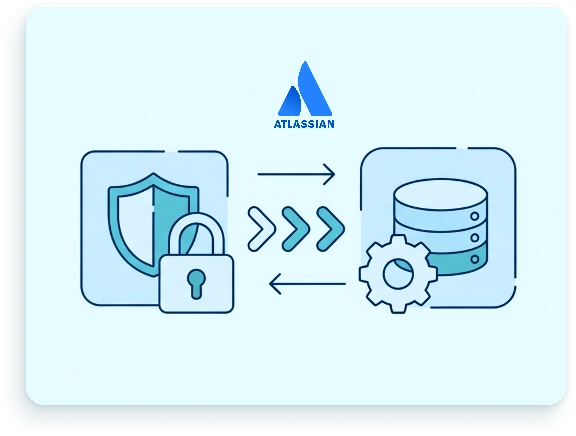
Supported Jira Resources
Kawach automatically fetches and monitors key Jira resources:
- Projects and Issues Track issue titles, labels, workflow states, and resolution dates.
- Workflows Monitor task transitions, approvals, and ticket completion.
- Custom Fields Ensure compliance by tracking required custom fields for audits.
- Labels and Filters Track incident, offboarding, and access tickets using Jira labels or JQL queries.
Unsupported resources can be manually added for full audit coverage.
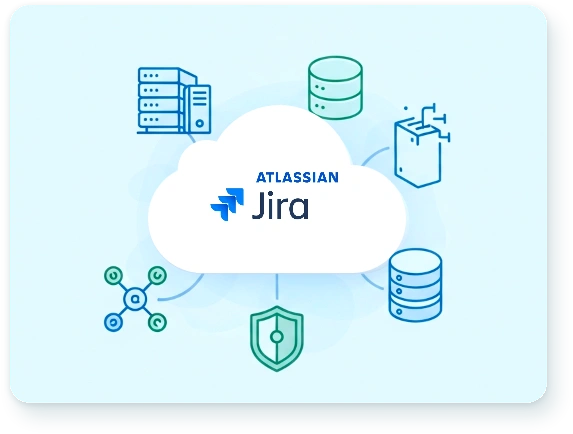
Ongoing Management
- Periodic Reconnection Maintain integration as permissions, APIs, or project structures change.
- Scope Management Define and update monitored projects, issue types, and workflows to ensure accurate compliance tracking.
- Continuous Monitoring Track new issues, workflow changes, and overdue tickets automatically.
Conclusion
Kawach’s integration with Jira helps organizations automate compliance workflows and maintain audit readiness, all without leaving your ticket tracker.
By connecting your Jira projects, Kawach continuously monitors issue types, workflows, tasks, and incident or offboarding tickets to ensure compliance with frameworks like SOC 2, ISO 27001 and GDPR, while fitting seamlessly into your existing development process.